

Hey dear subscriber,
This issue is about
Why learning typography is still useful in the age of AI
The newest sketch: Typography Rules (Part 2) & my Typography Playground
10 + 1 design resources I loved the most in September
🔠 Why learning typography is still useful in the age of AI
Here are some reasons, aspects:
typography is mostly judgement (typographic decisions), and AI hasn’t replaced judgement (I know that “taste” and “judgement” might be the most overused words these days, but in the end it’s true that it’s your job as a designer to make a final call, AI can only provide options for you)
most interfaces are mostly text, so it really influences the users’ experience (e.g. hierarchy, scannability ~ guiding the users’ attention)
AI’s output is often about the average (the “best bet”) - you can stand out with great design decisions concerning your type choices
AI often misses the small details (e.g. widows and orphans in UI copy)
accessibility & typography are closely related topics; performance, too (e.g. legibility; font-loading aspects)
emotional design (evoking emotions and feelings by typography, setting the mood) - this also needs human judgement and taste
Here is my Typography Study Guide article with lots of great resources (updated as of today)
✏️ Typography Rules — Part 2
You make dozens of typographic decisions on every screen you design, and many of them don’t need deciding from scratch. Here are some more rules you can safely use as a starting point.
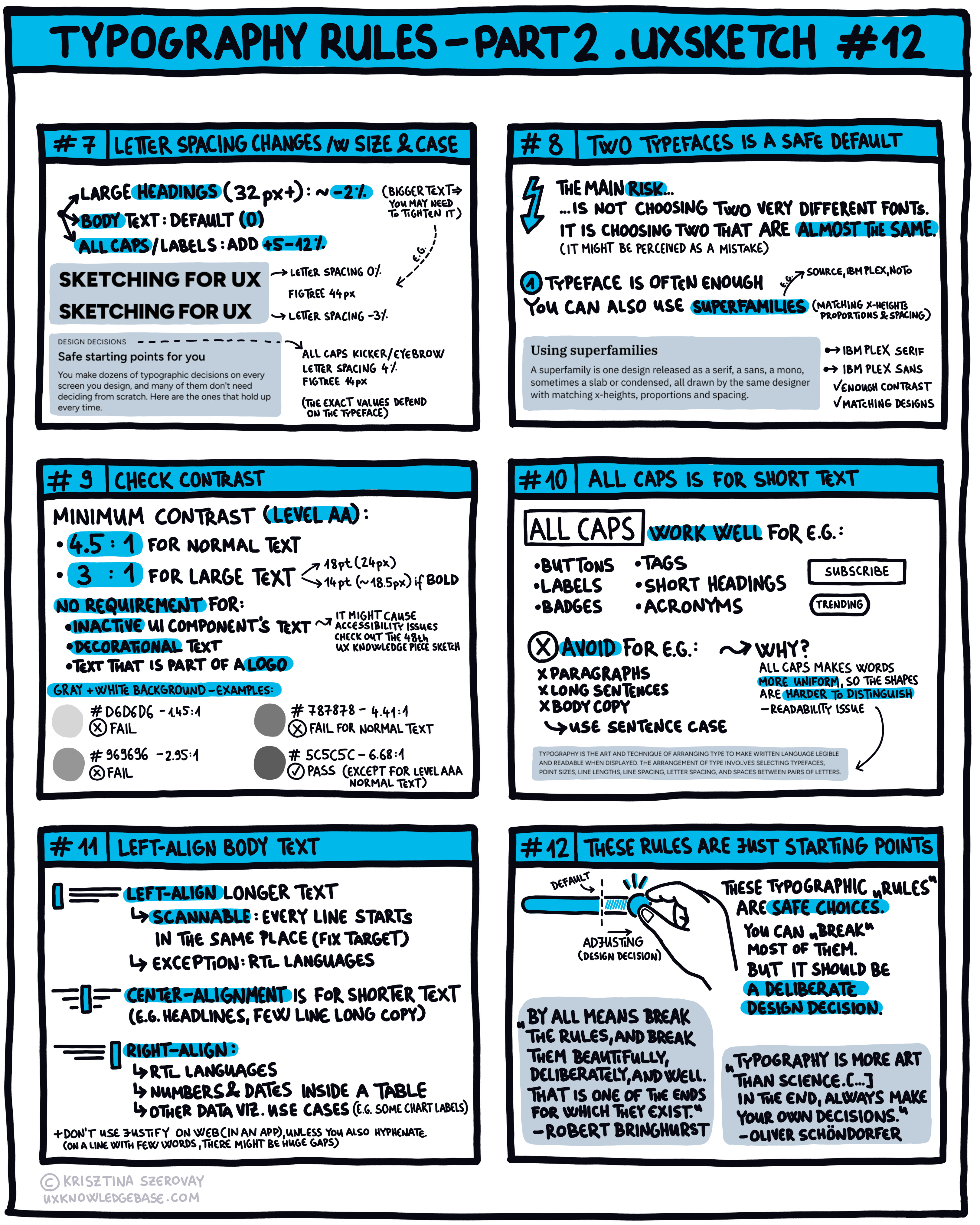
Check out the first part of this sketch in the previous issue of the newsletter.
As always, I’m going to publish a more detailed article, you’ll find it here soon.
🎠 Typography Playground

I also created an interactive playground so that you can better understand these rules and see them in action.
✏️ Favorite resources
Here are my favorite discoveries of September, 2026:
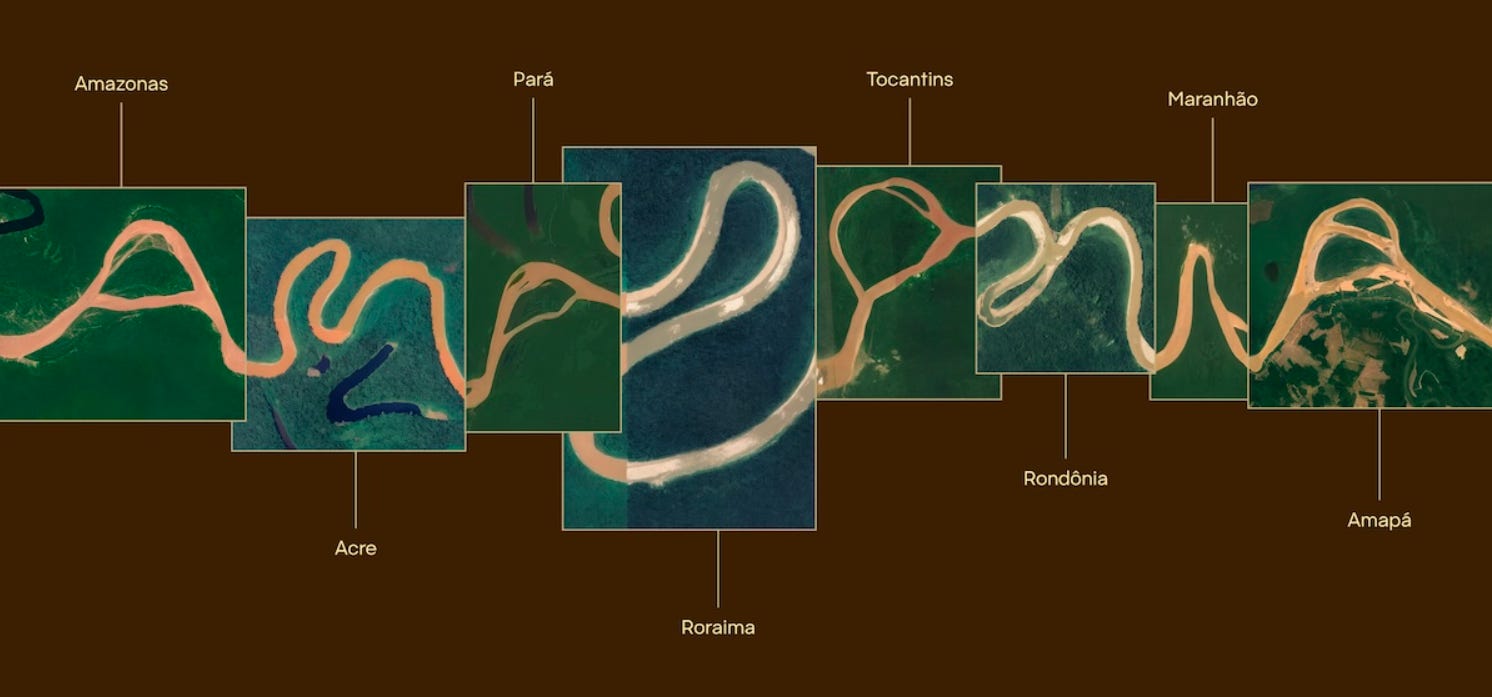
#1 A short history of logos made of data by Louis Charron
”[…] what if we embedded data in the logo? Real data, not symbols of information but information itself. Data that meant something for the client, that would shape the logo and create something unique. “
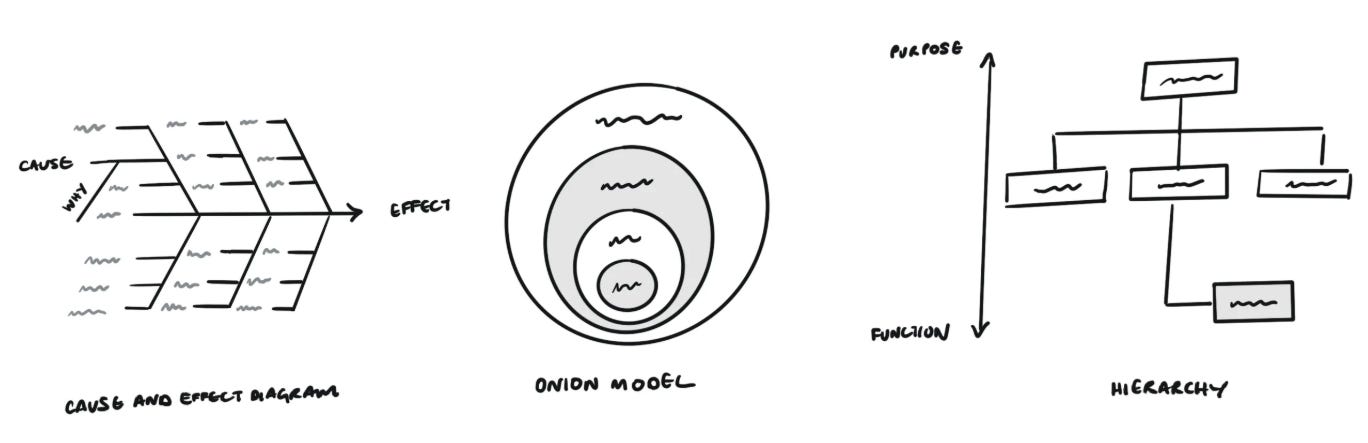
#2 Visualizing the systems behind our designs by Justin Farrugia
”Each of these visual aids helps us see things we couldn’t have possibly seen through a block of text, especially when co-created with people outside our discipline. They enable us to align viewpoints, understand root causality, synthesize, generate options and even simulate design decisions within our product experiences and organizations.”
Lovely sketches 👏
#3 Normal tools for normal tasks.
”Open a tool, do the thing, leave. No account, no download, and nothing between you and the answer.” (193 tools currently)
#4 Limit the number of details by Geoff Teehan
”Adding something usually has an advocate. Removing something has an enemy.”
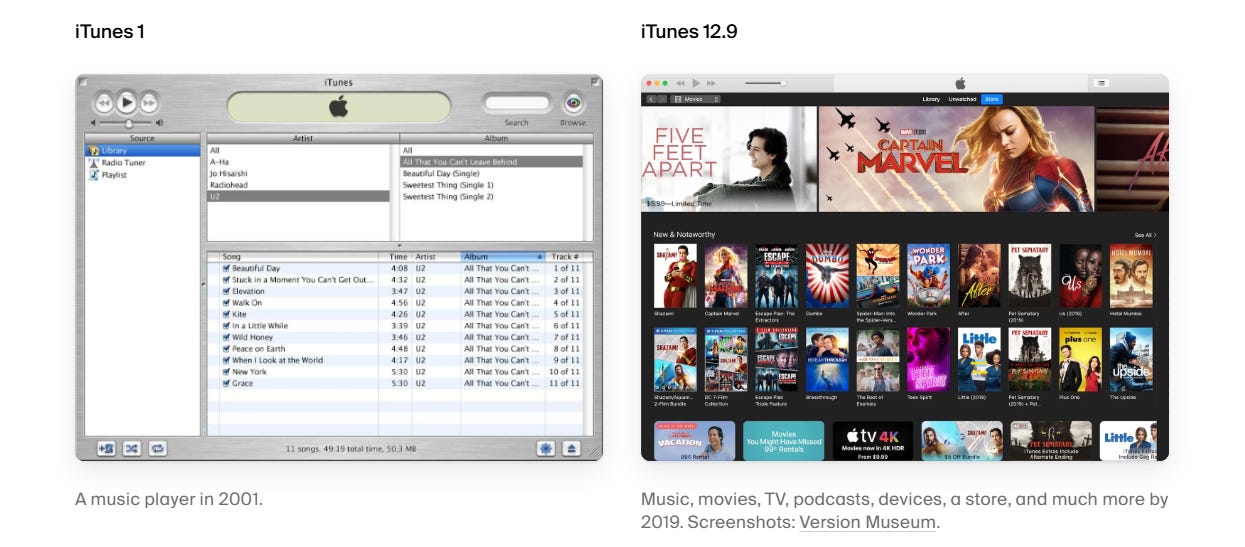
#5 Opensource UI by Bidyut Kundu
”Opensource UI gives you free React and Next.js components to copy into your own code. Phone mockups, forms, widgets, and more, with live previews so you can see what you’re getting.”
Similar resources:
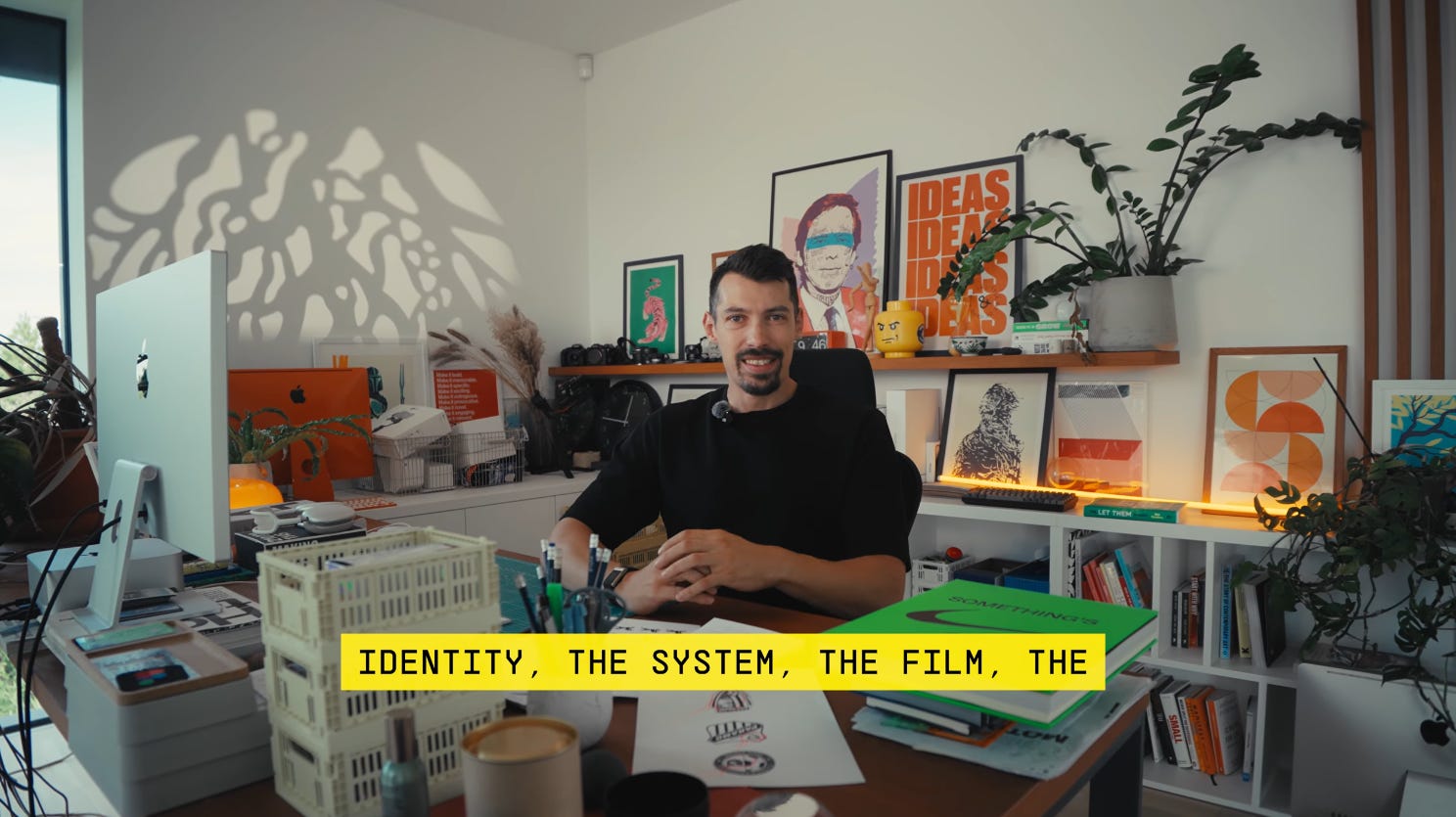
#6 What Does a $50K Brand Identity Actually Look Like? by Lubos Volkov
A very inspirational branding video by Lubos. (His studio tour video is also inspiring!)
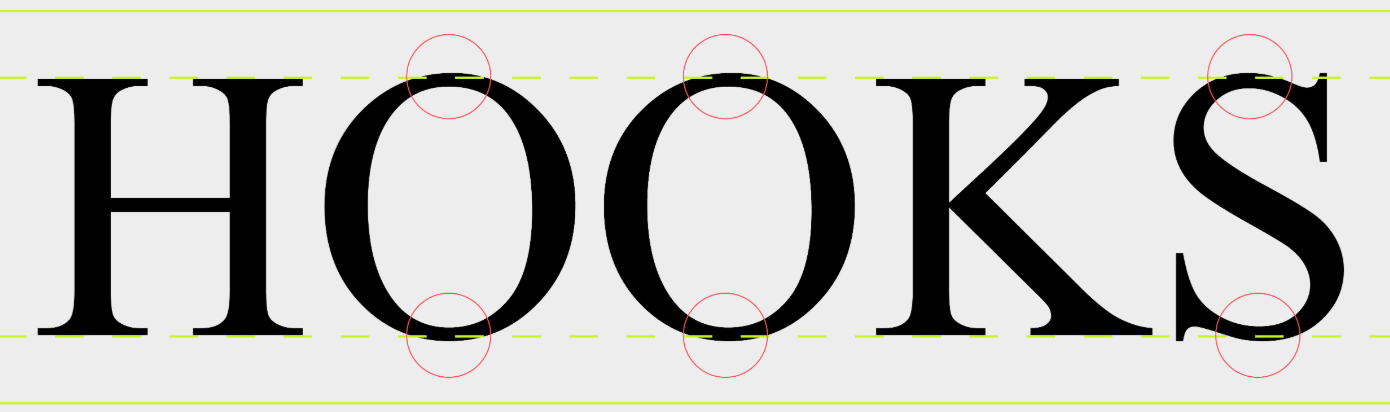
#7 Optical vs. Mathematical Alignment by Pangram Pangram Foundry
”Mathematical alignment is based on measurable coordinates, whilst optical alignment is based on perceived balance. Good typography typically favours the latter..”
As the article says, “While software can place objects with mathematical precision, our eyes don’t always agree with the result.”
If you are interested in developing an eye for design, check out my course: How to train your designer eye
A related piece (one of my all time favorite articles): Optical effects in user interfaces by Slava Shestopalov
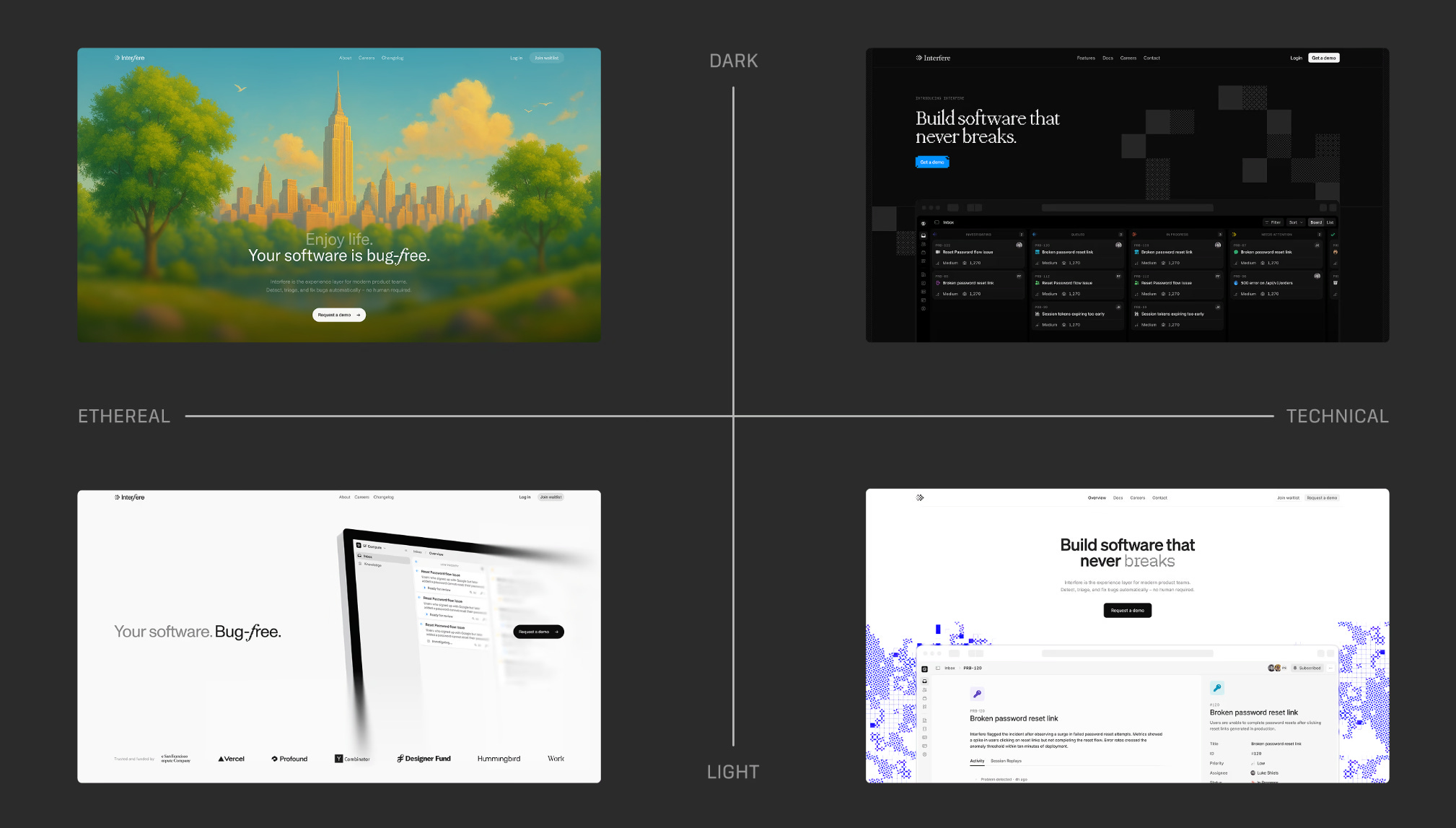
#8 How we built Interfere’s new website
Really nice case study with the right text-to-image ratio - very enjoyable read!
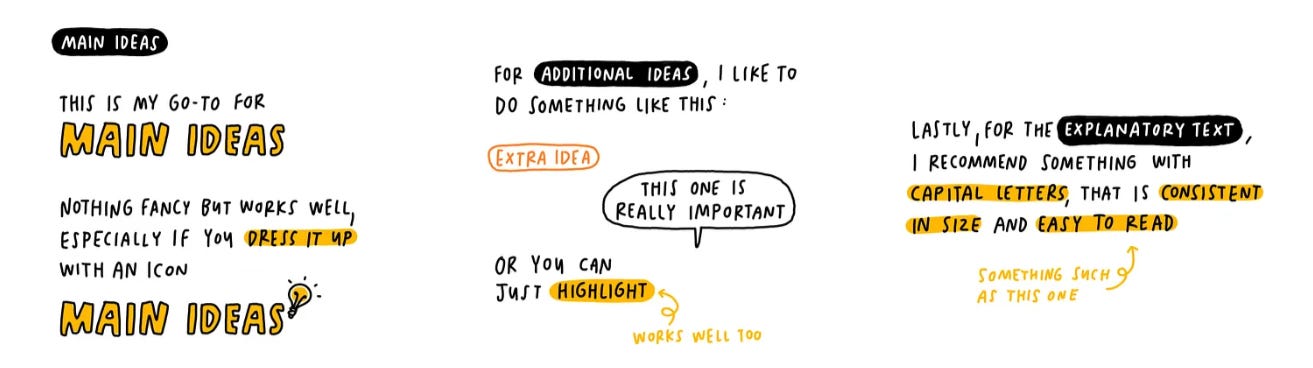
#9 Typography tips for sketchnoters by Zsofi Lang
I recommended Zsofi’s newsletter in one of the previous issues of my newsletter, this piece is about typography tips. Genius, as always. (It is from 2025, but I’ve discovered it recently, and it fits the typography theme of this issue).
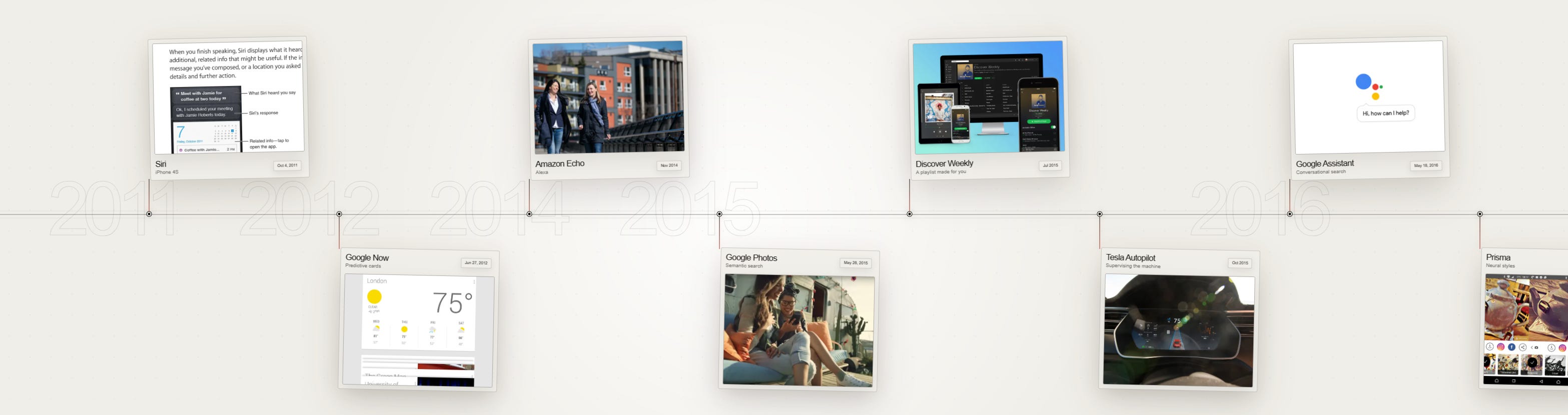
#10 The AI Interface Museum by Kyle Jeong
”A visual history of how humans learned to talk to, look through, create with, and delegate work to artificial intelligence.”
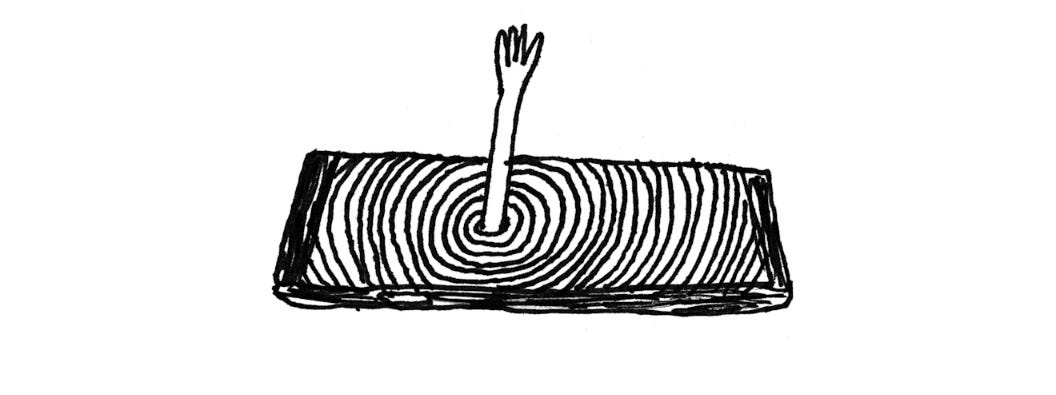
+1 A Zine About Going Light by Joe Hollier and Kaiwei Tang
”The internet claims to be “free”, yet we pay with our time and attention. Two of the most important things we have as humans.”
A thought provoking article (also available as a little zine) with really great sketches.
🔥 Deals & recommended products
My courses on Udemy
My free (pay-what-you-want) books
Recommended design courses
Supercharge Design All access by Andrija Prelec
Figma Academy by Ridd (use the code SKETCHINGFORUX to get $100 off)
Other deals
Mobbin is an essential part of my toolset, it is a growing library of 1,428 apps, 621,500+ screens. Join with my link to support me with a couple of dollars, I’d really appreciate it!
☕ You can also support me by buying a coffee on ko-fi.com.
Thanks for reading my newsletter, I hope you enjoyed it! Please let me know if you have any feedback!
Krisztina