

Hey dear subscriber,
This issue is about
What I have been working on
Good defaults (an older UX Knowledge Piece Sketch)
10 + 2 design resources I loved the most in January
🛠️ My work
This is what I’ve been up to recently:
I spoke about usability testing at UI Academy, a Hungarian design bootcamp - as David Hoang pointed out, research (and learning about desirability) is becoming even more important
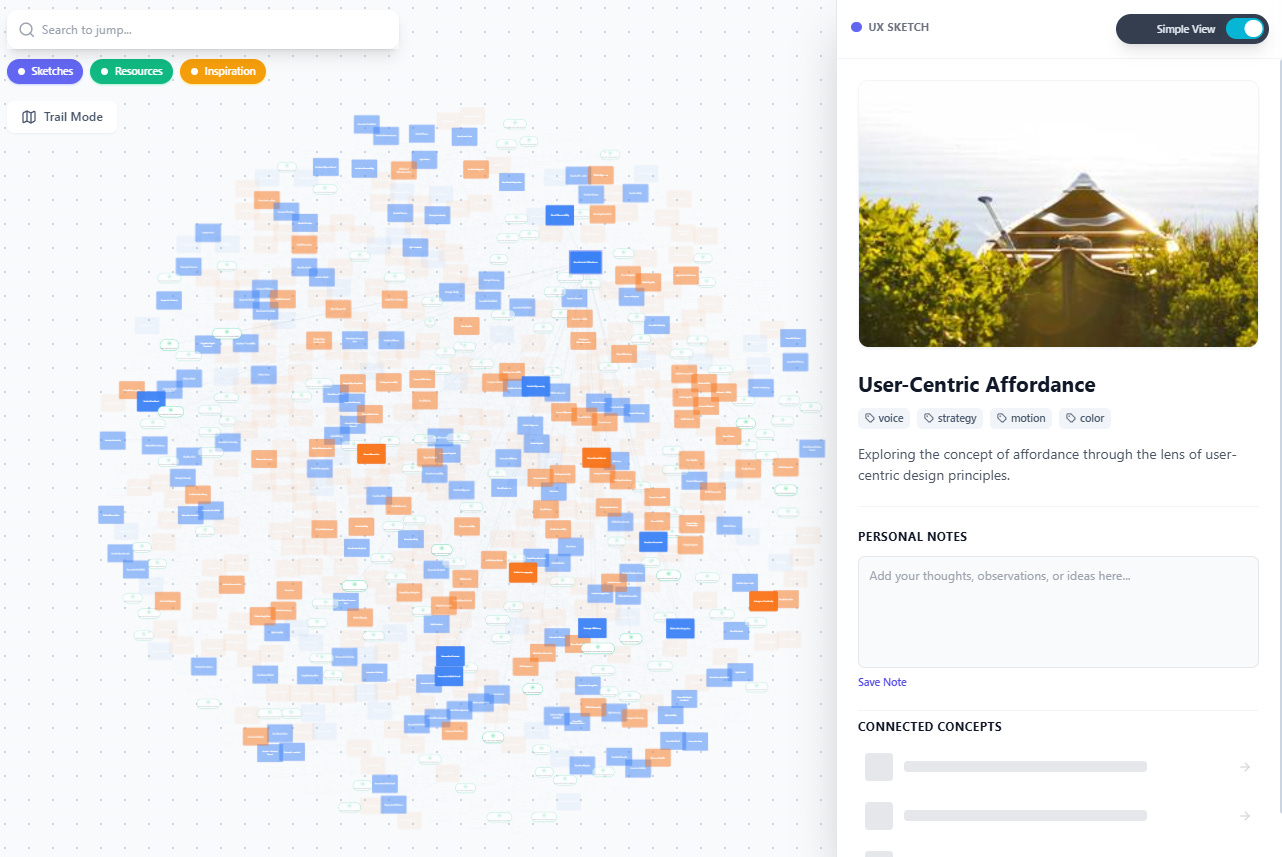
I’ve been working on - among other personal projects - an interconnected database of my sketches, favorite design resources and clever design solutions I saved over the years, and I’m experimenting with a node-based approach that visualizes connections between these elements (everything is just a placeholder in my prototype):

My experimental node-based interconnected design knowledge base
✏️ Good Defaults
This month I had an unexpected amount of workload (next to my ongoing project of keeping two little humas alive :) ), so instead of a new sketch, here is one I still find very relevant (this conversation - and more specifically what Ryo Lu changed about Cursor’s UI - inspired me to reshare this sketch):
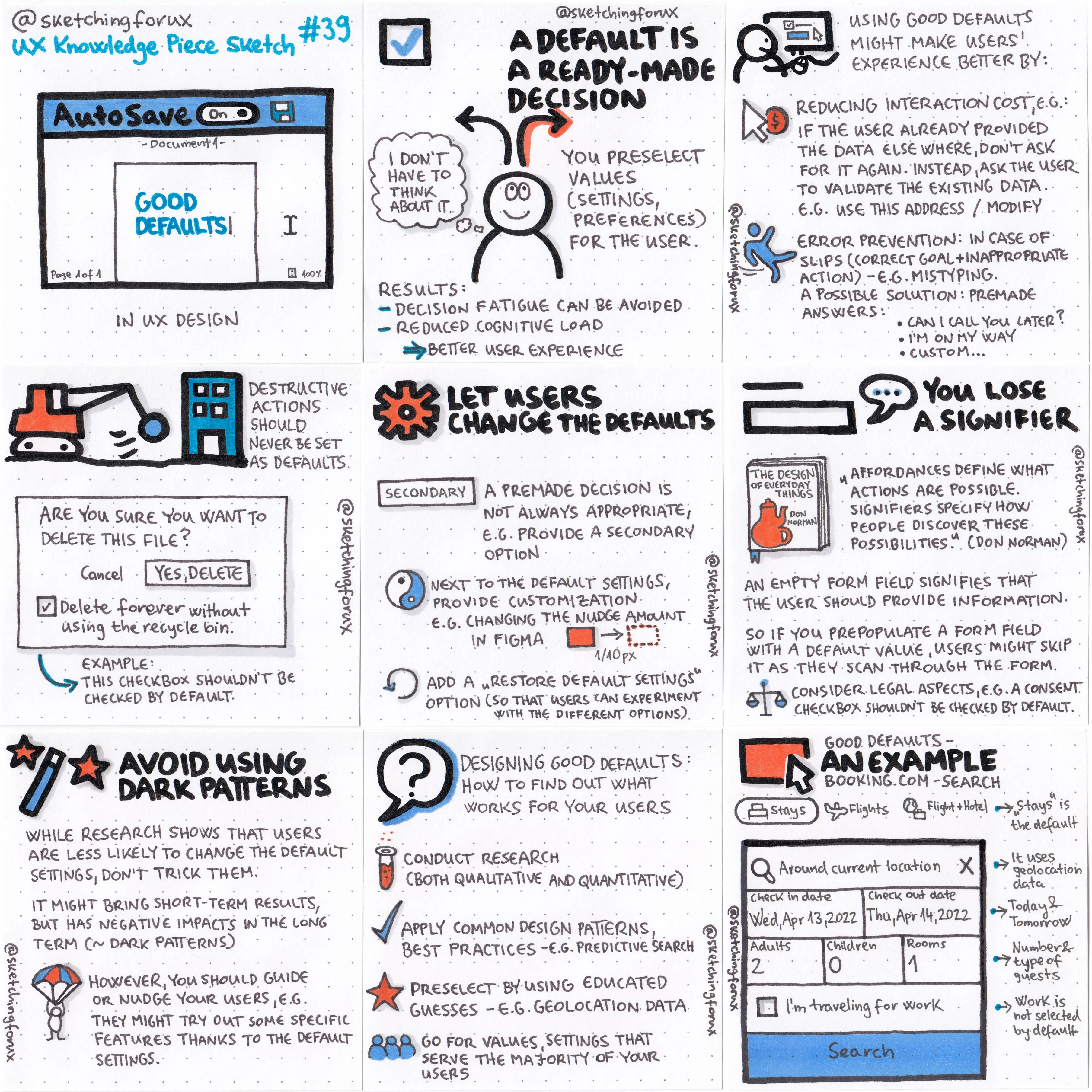
A default is a ready-made decision for your users. You preselect values, settings or preferences for the user. As a result, you can avoid decision fatigue and reduce cognitive load.
Next to these benefits, adding good defaults might result in a better user experience by
reducing interaction cost, e.g. if the user already provided the data elsewhere, instead of asking for it again, you can just ask the user to validate the existing data — for instance: “use this address” or “modify”.
preventing certain types of errors: in case of slips (when the goal is correct, but the actions taken by the user are inappropriate, e.g. mistyping), you can prevent errors by for example prepopulating form fields or offering premade answers (like “Can I call you later?”)
My sketch (in high-resolution) and article about Good defaults
✏️ Favorite resources
Here are my favorite discoveries of January, 2026:
#1 Interface Craft by Josh Puckett
An incredible knowledge base with the tastiest UI details ever. There is even a “Replay onboarding” option (for a good reason :) - truly one of my best onboarding experiences)
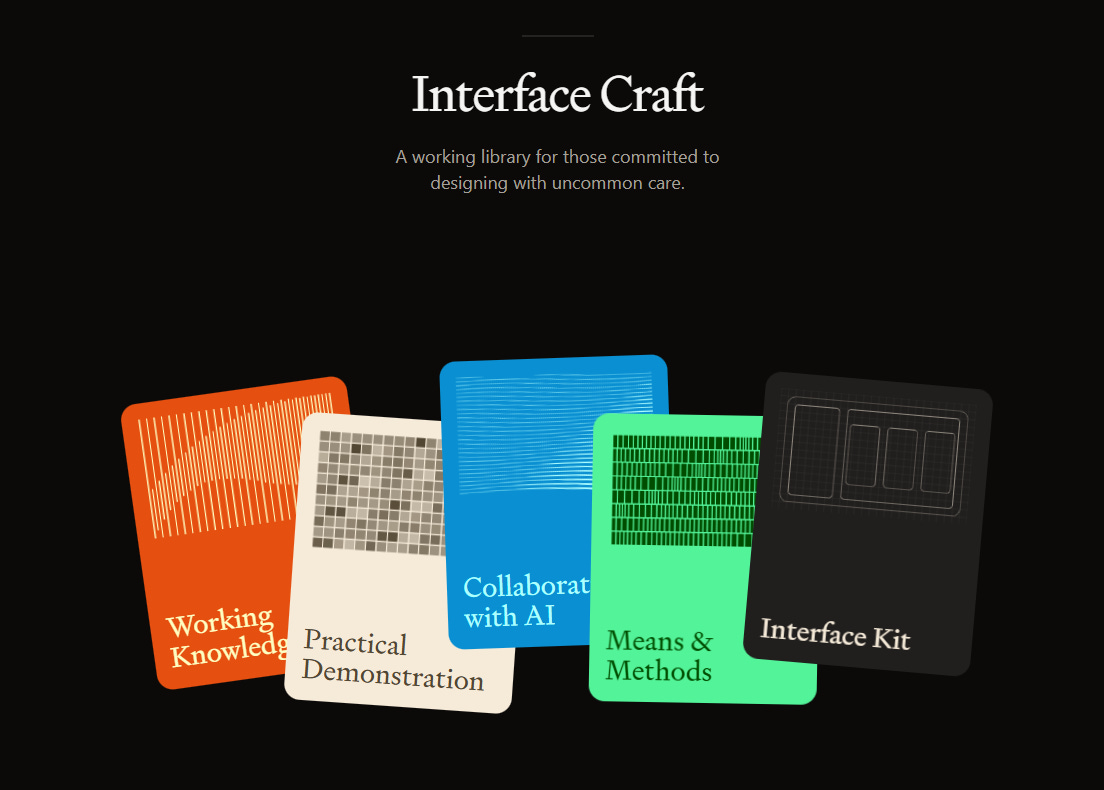
(Btw. Josh released this in February, so not last month, but it’s so good I just couldn’t wait to include it in my newsletter.)
#2 David Senra’s conversation with Jason Fried
Jason Fried is one of my designer / product heroes, I just can’t get enough of his wisdom.
#3 A website to destroy all websites. by Henry Desroches
”[…] answer to the question of how the Internet can best serve humans:
it’s personal websites.
Hand-coded, syndicated, and above all personal websites are exemplary: They let users of the internet to be autonomous, experiment, have ownership, learn, share, find god, find love, find purpose. Bespoke, endlessly tweaked, eternally redesigned, built-in-public, surprising UI and delightful UX. The personal website is a staunch undying answer to everything the corporate and industrial web has taken from us.”
#4 A Living Manual for Better Interfaces by Raphael Salaja
”This wiki is a collection of articles, patterns, and best practices for designing and building user interfaces.” (Github)
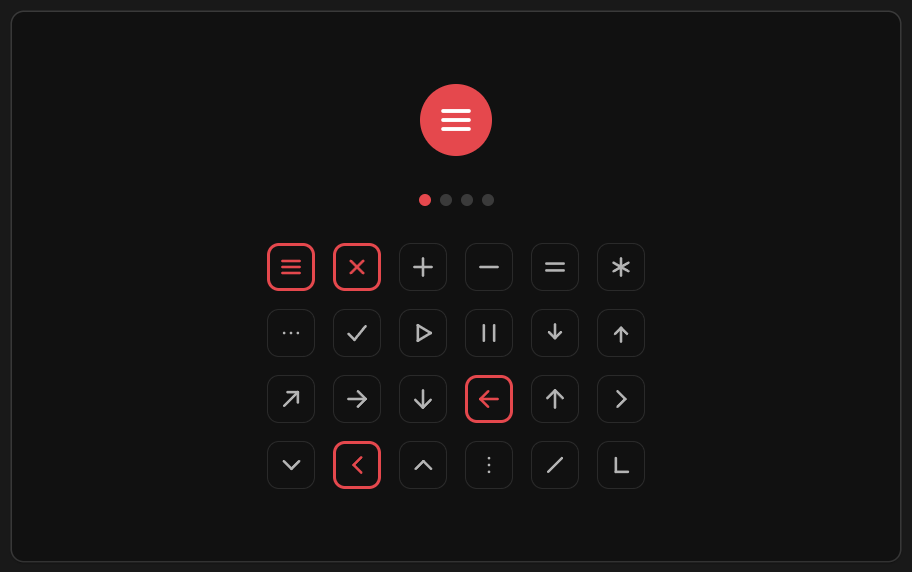
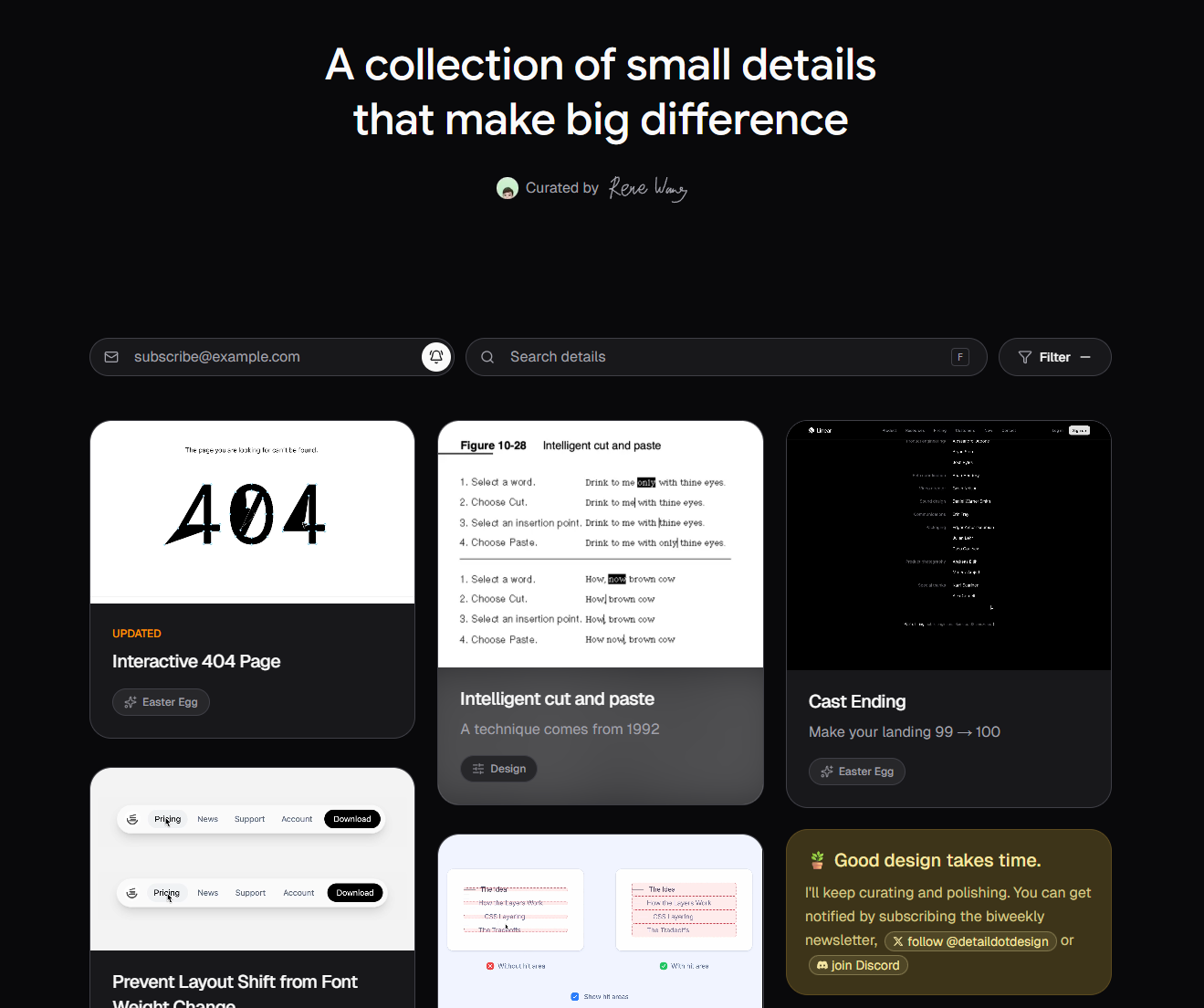
#5 Detail.design by Rene Wang
Little Big Details was one of my favorite websites back in ~2015-2016. Sadly it got discountinued, but it’s great to see that there are some similar projects.
A related resource: Very Good Components by beehiiv - a curated collection of HTML UI components ready to drop into your next project."
#6 Designing beyond the happy path in design systems by Stéphanie Walter
”Pages take a long time to load. Errors happen. Sometimes there’s no content, or there’s too much. Users have specific preferences and settings, and they use different devices.”
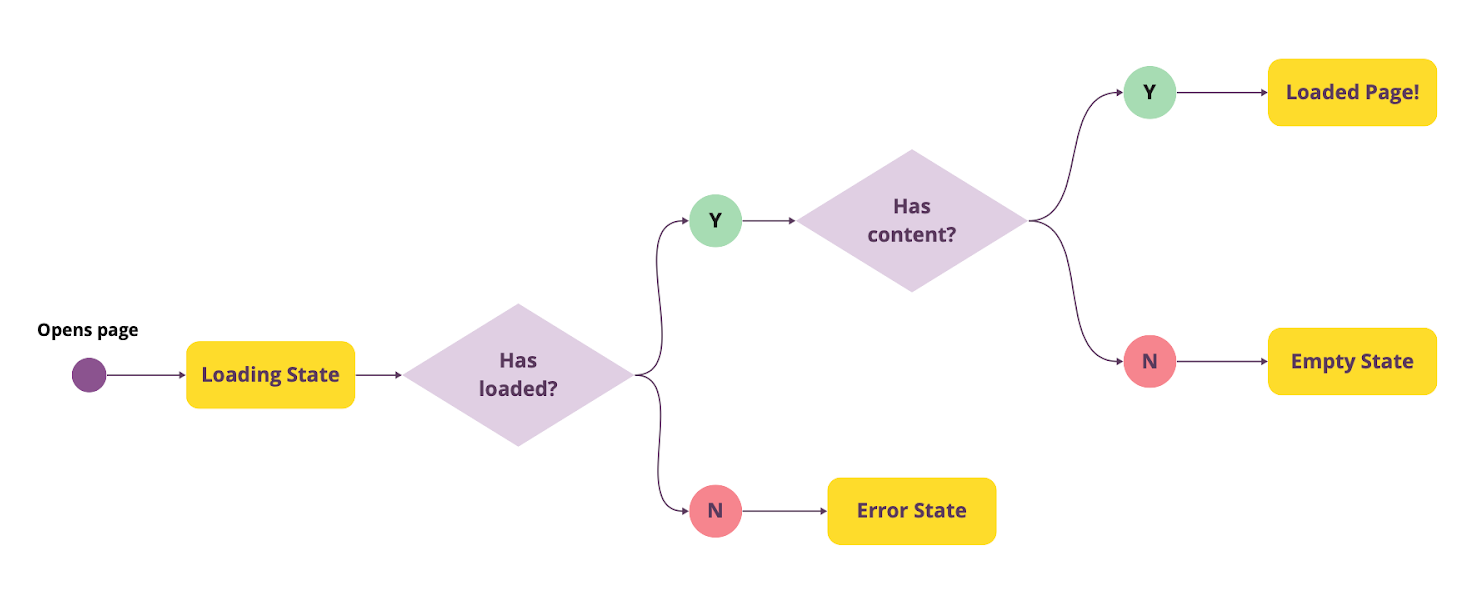
My sketch and article about Edge cases
#7 Why So Many Info Tips Are Bad (and How to Make Them Better) by Kate Kaplan
”When thoughtfully implemented, info tips reduce confusion and increase user confidence. But they should always serve the user’s goals, not the designer's desire to declutter at all costs.”
My sketch and article about Contextual help
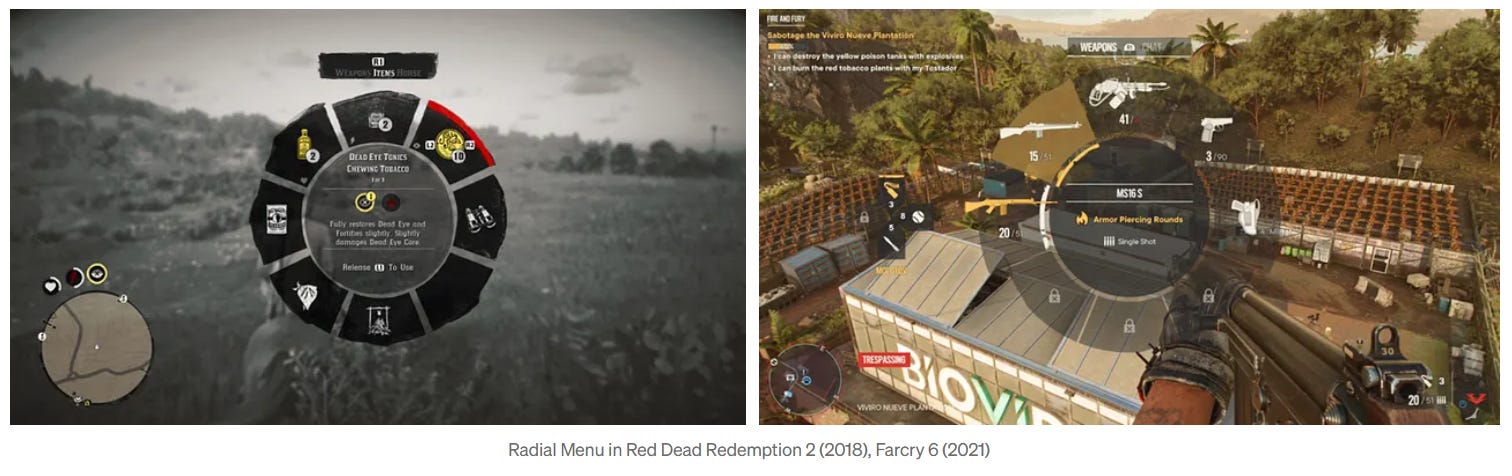
#8 Usability heuristics and competition in games by Oleksandr Shpak
If you are a long time subscriber, you know that I love board games and video games, so I really enjoy articles that are at the intersection of games and design.
#9 Stop Shooting Your Allies by Jon Daiello 🤔
“Defending decisions” reveals an expectation of attack
When we position ourselves as defendants preparing for trial, we’re assuming adversarial intent before anyone even speaks. The signal sent: “I don’t trust you, and I don’t think you trust me.”
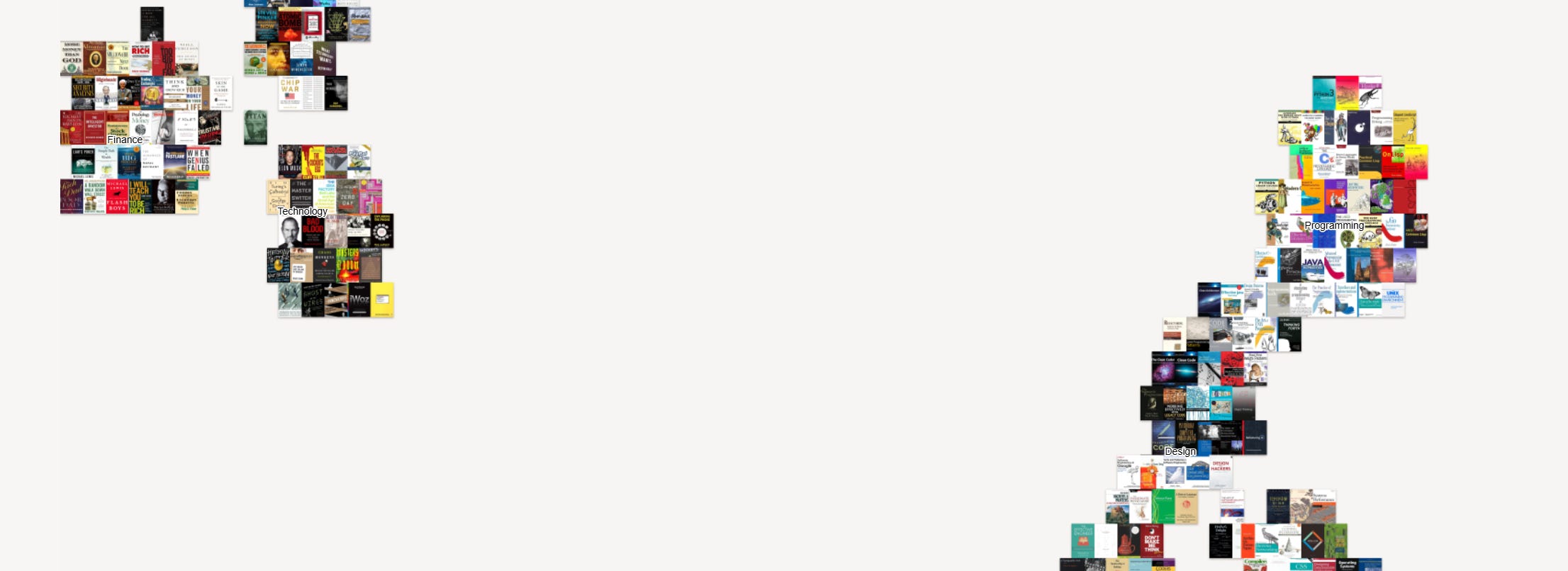
#10 Hacker News books
A map of the 1000 most mentioned books on Hacker News (can also be viewed as a list)
+1 Visualrambling.space
”A personal project by Damar, someone who loves to learn about different topics and rambling about them visually.”
+2 KODŌ-7 by Braz de Pina
A visual texture generation system
🔥 Deals & recommended products
My courses on Udemy (€12.99 each)
My free (pay-what-you-want) books
Recommended design courses
Supercharge Design All access by Andrija Prelec
Master Gorgeous UI Design Course by Pablo Stanley & his team
Figma Academy by Ridd (use the code SKETCHINGFORUX to get $100 off)
Other deals
Mobbin 2.0 is here with many new exciting features like flows, advanced search and an all-new library! Join with my link to support me with a couple of dollars, I’d really appreciate it!
☕ You can also support me by buying a coffee on ko-fi.com.
Thanks for reading my newsletter, I hope you enjoyed it! Please let me know if you have any feedback!
Krisztina
Great resources! Thank you!
Thanks for the mention! Sketching for UX!! 👏